Enhancing Local SEO with Apple Maps and Bing Places in 2026
Two free listings decide whether your business exists on the map an iPhone opens by default and inside the answers Microsoft's assistant gives. Where each dashboard lives, the fields that actually matter for local SEO, and an honest account of where both platforms will waste your time.

Ask Siri for a bakery that’s open near you and it answers from Apple’s map, not Google’s. Ask Copilot on a work laptop and it answers from Bing’s. If your business is missing or wrong in those two records, you are not in the answer. A spoken reply has no page two. Getting into both is free; budget an afternoon each.
TL;DR: Apple Maps and Bing Places in 2026, short version
- These two free listings decide what Siri, Spotlight and Copilot say about you. Claim them at business.apple.com and bing.com/forbusiness.
- The Apple record reaches six in ten US phones; the Bing record covers the work desktop. Maps, Siri, Spotlight, Safari and Wallet all read from the Apple record. Windows Search, Edge and Copilot read from the Bing record, which matters more than its search share suggests.
- Claim first, then fix the category, then the hours. Category decides which searches you are even eligible to answer. Wrong hours send a customer to a locked door, and Siri reads them out with full confidence.
- Write the name, address and phone once and paste the same block everywhere. Three slightly different versions of your address read as unreliable data, and systems that summarize skip what they cannot trust.
- Start with Bing; it imports your Google profile in one click. Apple has no import, so the first location is typed by hand. That is where the afternoon goes.
- Set both up months before you need them. Duplicate listings on Apple and slow publishing on Bing are the complaints practitioners raise most often. One reported wait ran past three months.
- Neither one gets you into a ChatGPT recommendation. Across 210 answers to real diner questions, Apple and Bing were cited zero times. City food editorial and Reddit were what the answers read.
What Apple Maps and Bing Places listings actually feed
The old pitch for these two business listings was redundancy: a few customers use Apple Maps, a few use Bing, cover the bases. Nobody ever got excited about that, which is why so many listings were set up once and then abandoned like a gym membership in February.
Here is what the afternoon buys you. Each record works like a breaker switch: flip it once, and the lights come on in several rooms at the same time. Only one of those rooms is a map. Type your hours into the Apple dashboard and Siri starts repeating them to strangers; fix your category and Spotlight quietly changes its mind about which searches you belong in. The full floor plan is below.
The Apple record is what answers when a driver on CarPlay asks for the nearest hardware store, and what a tourist’s watch reads from when it buzzes with walking directions. Safari checks it too, before the search button is even pressed. None of these people are looking at a website. They meet your record, or they meet a competitor’s.
The Bing record runs the same play from an office chair: Windows Search, the Edge address bar and Copilot all read from it, mostly for people on work computers whose default search engine nobody ever changed. That crowd skews toward buyers with budgets, the exact audience a B2B business pays good money to reach anywhere else.
Does Apple Maps help with SEO?
Not the way the question usually means. An Apple listing does not feed Google’s index, and no amount of work on a place card will move a local pack position. Anyone promising otherwise is selling something. What the listing decides is whether the business exists at all on the surfaces Apple devices default to, and in the US that is most of the phones. iOS ran 59.58% of US mobile in July 2026, per StatCounter.
The return shows up as directions requests, calls and foot traffic, which is exactly why this channel keeps getting left off local SEO audits: it pays in cash, not in charts.
Most guides for this task are stale, because both dashboards changed addresses and the guidance layer never caught up. We asked ChatGPT 50 plain setup questions in August 2026: of the 33 answers that offered a sign-in link, 28 pointed at a retired address, and most answers naming Apple recommended Apple Business Connect, a dashboard that no longer exists on its own. Google’s AI Overview hands out the same expired directions. The steps below follow the live dashboards.
Is Bing Places for Business worth it?
On effort, almost always. Bing took 12.06% of US desktop search in July 2026, a modest number on its own. It stops being modest when the same record is what Windows Search, Edge and Copilot read from, and when Microsoft has said deeper Bing Maps and Copilot integrations are on the way.
On a Reddit thread asking whether Bing Places is worth the time, one commenter compressed the whole case: “Many business clients are searching from a work desktop which will typically be a PC… which means Microsoft… which means the default search engine is Bing.” Desktop is where Bing’s share concentrates, and desk-bound buyers are a valuable segment.
The two platforms are not interchangeable, and the practical differences decide which one takes longer to set up.
| Apple Business | Bing Places | |
|---|---|---|
| Sign in at | business.apple.com | bing.com/forbusiness |
| Cost to list | Free | Free |
| Populating the record | Entered by hand | Imported from Google |
| Verification | At organization level | At listing level |
| Prompts to improve it | None built in | Recommendation tool |
| Promoting an offer | Showcases on the place card | Not a documented feature |
| Managing many at once | Brand-level fields cascade | Bulk editing |
| Reads from it | Maps, Siri, Spotlight, Safari, Wallet | Bing Maps, Windows Search, Edge, Copilot |
How do I add my business to Apple Maps?
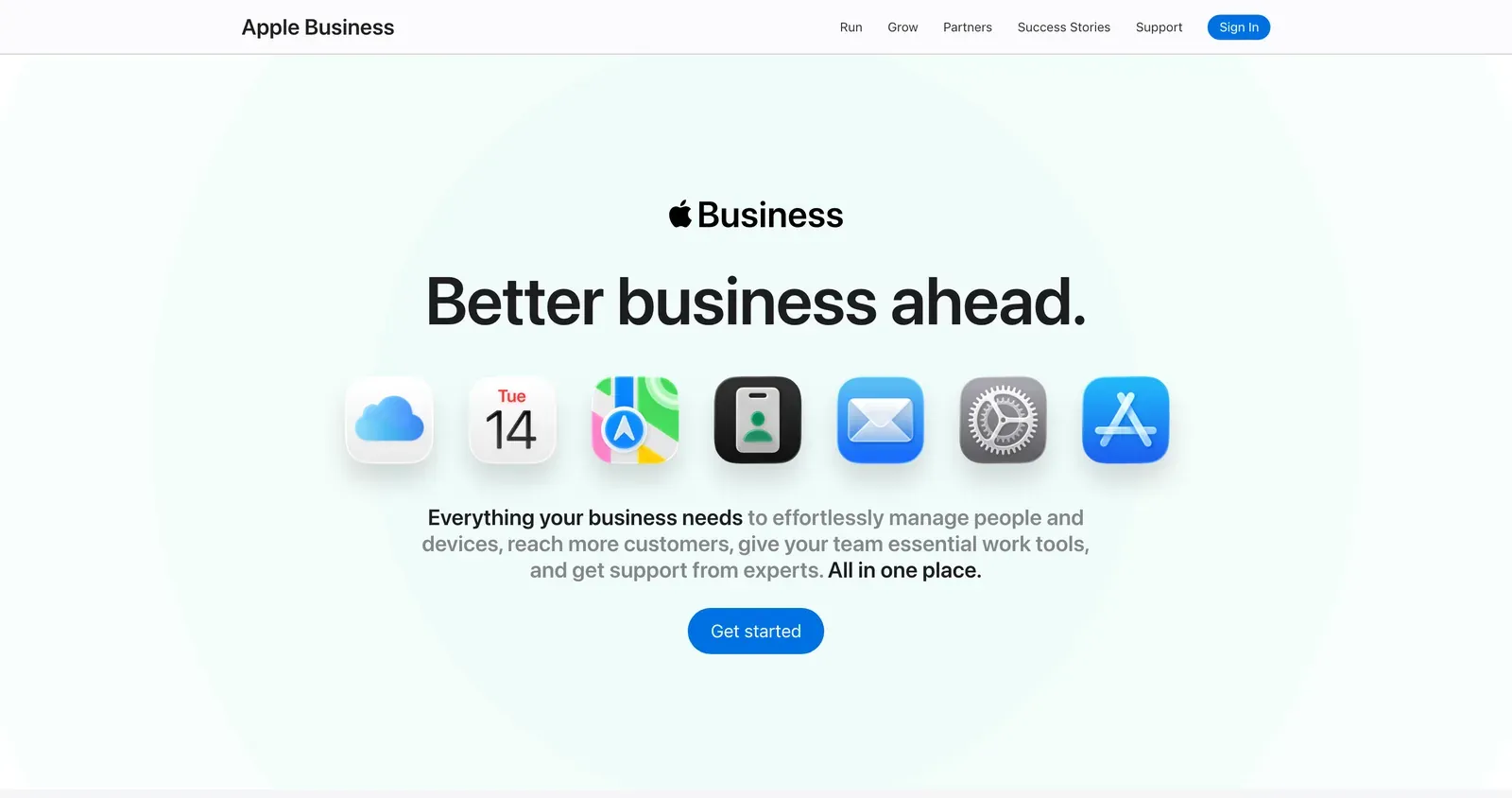
Sign in at business.apple.com with the Apple Account you use for the business. The dashboard is called Apple Business, and everything it takes to add your business to Apple Maps happens inside it, on the free tier.
- Sign up and verify the organization. Verification happens at the organization level, not per location, and Apple checks that the business is real and that you can speak for it. An existing App Store Connect or Apple Business Manager relationship tends to speed this up.
- Create the brand. Every location hangs off a brand, and details you set once at brand level cascade down: name, logo, cover photo. For a single site this feels like bureaucracy. At forty sites it is the only thing keeping the estate consistent.
- Add or claim the location. Go to Brands, then Locations, then Add. If Apple already knows the place, claim it rather than creating a duplicate.
- Set the primary category honestly. This is the field that decides which questions the business is eligible for, and it is where most listings quietly lose.
- Enter the name, address and phone exactly as they appear everywhere else. Same abbreviations, same suite number, same phone format. This is the NAP consistency that every local SEO checklist puts first, and it earns its place.
- Fill in normal hours, then special hours. Apple keeps these in two separate fields, so setting one is not setting the other. That gap is how a business ends up marked open on a public holiday it spent the whole week advertising as closed.
- Write the description in the words customers use. Name the neighborhood and the service plainly. A bakery in Brooklyn should read like a bakery in Brooklyn, not like a mission statement.
- Upload photos. A cover photo plus interior and exterior shots. The place card looks abandoned without them.
- Wire a custom action. Order, reserve, book, or a link into your own app. This is the difference between being found and being used.
- Publish a showcase when there is something to say: a seasonal item, an offer, a new product.
Custom actions and showcases are the two features that exist on Apple and have no exact twin elsewhere, and they are the two most often left empty. A place card with a working “reserve” button turns an idle browse into a booking without the customer ever reaching your website.
How do I add my business to Bing Places?
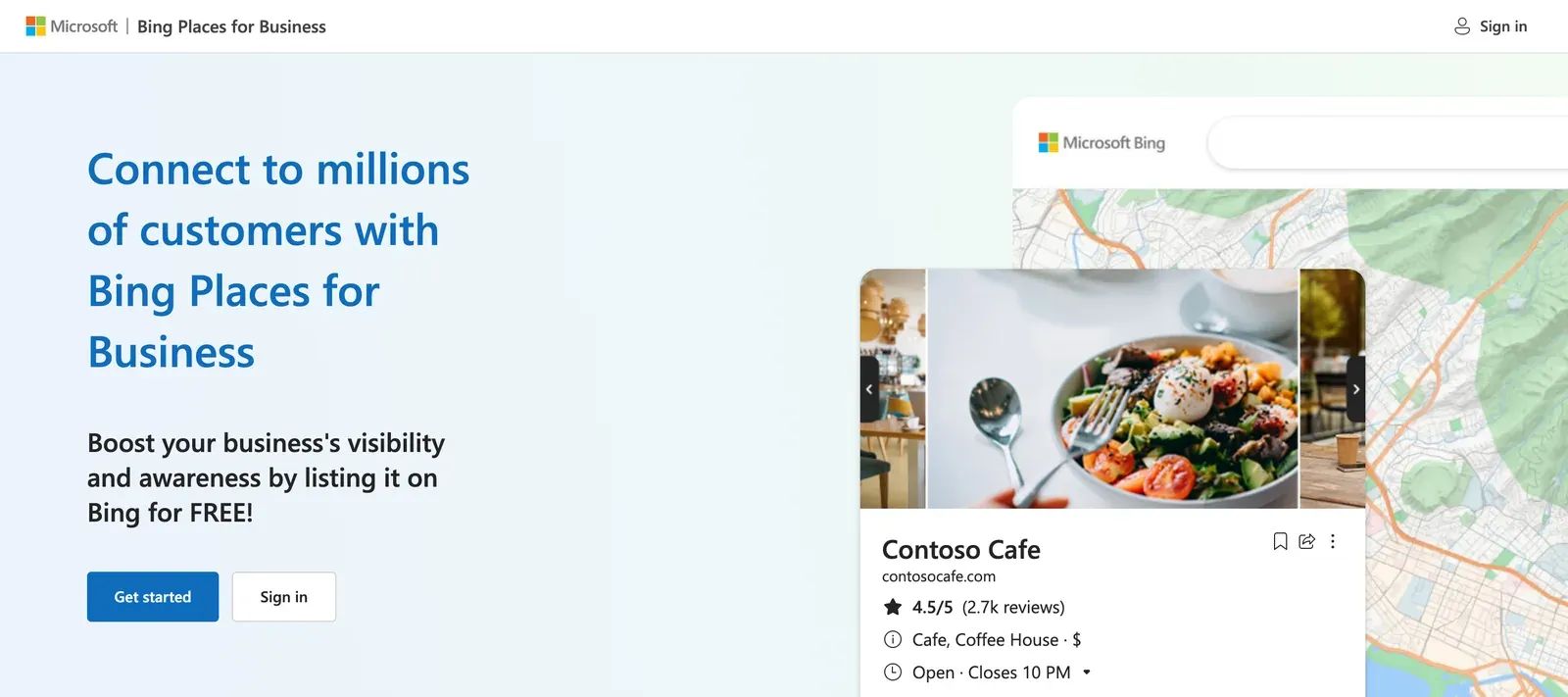
Sign in at bing.com/forbusiness. The rebuilt dashboard is genuinely faster than the one it replaced, and the whole job takes about a quarter of an hour if your Google profile is in good order.
- Claim or create the listing. Search for the business first; claim what exists rather than adding a second record.
- Import from Google. Microsoft rebuilt this import and it now preserves name, hours and contact details more reliably than the old one did.
- Read every imported field back. Import is a starting position, not an answer.
- Reselect categories from Bing’s own list. It is a different taxonomy with its own specific options, and picking the nearest-looking match costs you the specific queries.
- Check the name, address and phone against Apple and Google rather than trusting the import.
- Verify. Phone, email, or another method depending on what the listing qualifies for.
- Add photos, the description and the website URL.
- Connect Bing Webmaster Tools to the site while you are in the neighborhood. It is a separate product and takes five minutes.
Are both listings actually working? A 14-point check
Tick what is true today, for one location. If you are not sure, it counts as no.
Apple Business
Bing Places
Listing strength: 0 of 28 points
Both doors are effectively shut. Claiming and verifying the two locations is worth more than everything else on this page combined.
- Claim and verify the location at business.apple.com
- Fix the primary category on the Apple place card
- Claim and verify the listing at bing.com/forbusiness
Fourteen boxes do not audit a hundred locations. They do tell you which platform to open first.
Which listing fields matter most for local SEO
Neither company publishes a ranking algorithm. So anyone handing you a numbered list of Apple ranking factors is reverse-engineering, and should say so. What practitioners consistently report, and what the platform documentation supports, points the same way: accuracy first, decoration later.
Category is the field that pays best on both platforms, because it decides eligibility rather than position. Business hours come second, and they are the likeliest to be wrong: Apple keeps normal hours and special hours in two separate fields, so a holiday closure entered once often goes into the wrong one.
Why does NAP consistency matter across listings?
Name, address and phone need to match across Apple, Bing and Google to the character, because the three records are how machines corroborate that your business is real: each record vouches for the other two. Disagreements give a summarizing system a choice of truths, and it usually resolves the choice by skipping the business it cannot pin down. A wrong digit in a phone number fails silently: nobody reports it, the calls just ring somewhere else.
Matching to the character sounds fussy until you watch it fail. Someone types “Suite 2” into Apple, “#2” into Bing and “Ste 2” into Google over three separate afternoons, and now three systems hold three slightly different businesses. Writing the block once and pasting it three times removes the entire failure mode.
Build one name, address and phone block for all three
Fill this once, then paste the same block into Apple, Bing and Google. Retyping is where the mismatches come from.
Fill the fields above and the canonical block appears here.
Nothing is sent anywhere. This runs in your browser and the page keeps no copy.
Reviews sit slightly differently. They are not the lever people assume for visibility on these two platforms, but they decide whether a human picks you once you appear, which is the part that pays. Asked how Apple ranks results, one practitioner on Reddit put it plainly: “Reviews help but consistency and proximity matter more than people think.” Fix the data, then keep asking customers for reviews on the platforms they already use.
Best practices for Apple Maps and Bing Places listings
Setup gets you on the board. What separates a listing that quietly brings in customers from one that rots is a handful of habits, and none of them takes an hour.
Search yourself like a stranger. Once a month, open Apple Maps on an iPhone and search your category, not your name; do the same on Bing from a work computer. What renders is what customers get, and it is regularly not what you typed, because edits can sit in review for a while before they show.
Keep the name field boring. The name is your identity, not your ad. “Riverside Dental” beats “Riverside Dental | Best Dentist Near Me 24/7” on both platforms, whose guidelines read stuffed names as spam, and with every customer comparing the listing to the sign above your door. Keywords live in the description and the category.
Treat special hours as a standing appointment. Normal hours set once are not the job; the job is the next public holiday. Put a reminder in the week before each one and update Apple, Bing and Google in the same sitting, or let Pluspoint’s listing management hold the master record and push it out, so the three dashboards cannot drift apart in the first place.
Refresh photos when the season changes. Photos are the only field a customer feels rather than reads. A card whose newest picture is two summers old says nobody is home.
Sweep for duplicates quarterly. Search your name, your old address and your phone number on both maps. A duplicate splits your reviews and your signals, and disputes take weeks, so the cheap version of that fight is catching the copy early.
Where both platforms will let you down
A guide that only lists benefits is a brochure. Both of these platforms have sharp edges, and the people who find them are the ones running listings every day rather than writing about them.
Support is the recurring complaint on the Apple side. On a Reddit thread about Apple Maps leads, one owner described a duplicate that would not die: “They have 2 listings for us but we only have 1 location. One of the listing has incorrect info. Its been this way for more than a year […]”
Publishing delays. In March 2026, one marketer was still waiting on a location added in November: “I have contacted Bing Places support 4 times and they simply let me know this week ‘the publishing issue is expected to be resolved within a few weeks’.”
Both are single accounts rather than measured failure rates, and neither should stop you setting up a listing that costs nothing. Plan around them: do the work early rather than the week before a seasonal push, and treat duplicate cleanup as a task with a long tail rather than a same-day fix.
The other honest caveat is attribution. When an owner reported a jump in calls after an Apple listing went live, a longtime local search consultant offered the sober reading: “if they didn’t have an Apple Maps listing, then got one, that could explain the jump in calls, vs any particular SEO thing…” Existing where you did not exist is not the same as ranking better. Keep the two apart when the monthly report is due.
What about service-area businesses?
For years the standing advice was that Apple was no use to a contractor without a storefront, and it kept a lot of trades off the platform. That advice is out of date. Apple Business lets a business define a service area rather than publishing a street address, which is exactly the setup a plumber working out of a van needs. If you skipped Apple on that basis, the reason no longer holds.
Do AI search engines use Apple Maps and Bing Places for recommendations?
No. We put 110 questions a diner would really ask to ChatGPT, twice each, across eleven US cities, and recorded every source the answers drew on. Across 210 usable answers, Apple and Bing were cited zero times. What the answers read instead was city food editorial, and a lot of Reddit.
Eater turned up in every one of the eleven cities. Below the big names the tail is long and local: 101 distinct domains, with city magazines, tourism boards and one-person blogs like First in Denver carrying nearly a fifth of all citations between them. If you want to be named, those are the pages to be on.
The address in the answer comes from somewhere else
There is a second layer, and it is the one that makes an accurate listing pay. Alongside the prose, ChatGPT renders business cards carrying an address, photos and a menu link. Those are not built from the article it just quoted. Reading the raw payload across 56 cards in eight cities, 45 of them carried a Yelp URL tagged as an OpenAI data feed, with TripAdvisor filling in behind it. Apple and Bing appeared on none.
So the answer a diner sees is assembled from two suppliers. Editorial and Reddit decide who gets named. A place-data feed decides what the card says about them. Being right in the second one is a different job from being famous in the first. Outside restaurants the naming half changes hands entirely: a later count of who decides which local businesses AI names found a different type of page in charge in all seven industries tested.
Was your Apple listing in the AI’s training data?
Possibly, for models trained before spring 2026. Apple place cards are public web pages, and they sat in Common Crawl, the open web archive AI models are routinely trained on, as recently as its April 2026 crawl. A model built on that corpus could have read your name, hours and description straight off your listing.
Then Apple shut the door. Its robots.txt now bars 31 named crawlers from the entire domain, GPTBot, CCBot, ClaudeBot and Google-Extended, Google’s AI-training crawler, among them, and the July 2026 crawl holds no Apple place pages at all. The guest list is precise: Googlebot may come in, GPTBot may not.
So treat training as a closed window, and keep using the part still open: your card remains an indexed page carrying your name, address and hours, and the place data in the answers your customers now see arrives through licensed feeds like the Yelp layer above.
Asking twice gives you a different answer
One more reason not to judge any of this from a single check: ChatGPT runs like a hotel with a different concierge on every shift. Of 100 questions asked twice, only 8 came back with the same set of sources.
- 92 92.0% Different sources the second time
- 8 8.0% Identical set of sources
One square per question pair. Average overlap between the two source lists was 38%.
Sponsored placements showed up in 63.3% of answers, usually a delivery app rather than anyone named in the text.
110 diner questions, each asked twice on 10 August 2026, US and English, through ChatGPT with live web search; ten failed calls are excluded, leaving 210 answers. This is ChatGPT only, so it says nothing about Copilot, which reads Bing’s own index. And a zero here does not mean an idle listing: Apple’s place data feeds Maps, Siri and Spotlight, which this instrument cannot see.
Business listing management across many locations
At one site this is an afternoon; at sixty it is a process, and the failure mode is drift: hours updated in Google, never mirrored to the other two, quietly contradicting each other by the next holiday. Brand-level fields in Apple Business cascade to every location, which covers logo and naming. Everything else needs one source of truth and a push schedule, whether that is a spreadsheet and a calendar or Pluspoint syncing it outward for you. The playbook for managing profiles at scale is the same at three locations or three hundred.
So what do these two listings actually decide?
What the machines say about you, rather than whether your name comes up at all. Apple’s place graph is what Siri and Spotlight read, and that is a real surface on most US phones. Bing’s index is what Copilot reads, on Microsoft’s own account. Neither is what ChatGPT reaches for when a customer asks where to eat.
That distinction is worth holding onto, because the industry keeps selling the loose version. Getting named is earned on other people’s pages, which is the argument in ranking higher in ChatGPT and again in how Ask Maps is changing local search. Being described correctly once you are named is what a claimed listing buys you, and it is the cheaper of the two jobs by a distance.
One more thing worth putting in the calendar rather than the strategy deck: Apple has announced advertising in Maps search results for the US and Canada from summer 2026. Paid placement changes what the top of a Maps result looks like, and the businesses that will handle it best are the ones whose free listing is already complete. It is easier to bid for attention when the place card you are bidding people toward is not half empty.
Claim and verify both locations. Set the primary category on each to the one a customer would actually type. Put the next public holiday’s special hours into Apple, Bing and Google on the same afternoon. Everything else on this page is worth doing, and none of it outranks those three.
Both of these listings are free, both take an afternoon, and both are now attached to systems that answer customers directly rather than handing them a list to sort through. Start with the local SEO fundamentals if the whole estate needs attention, work through the restaurant version if that is your industry, and if customers are finding you through near me searches, these two records are part of what decides whether that keeps working.
Frequently asked questions
How do I register my business in Apple Maps?
Sign in at business.apple.com with the Apple Account you use for the business, set up the organization, then go to Brands, then Locations, and add or claim the location. Apple verifies the organization before the place card goes live. Once it is live you control the name, address, phone, hours, description, photos, custom actions and showcases that appear across Apple Maps, Siri, Spotlight, Safari and Wallet.
How do I add my business to Bing Places?
Sign in at bing.com/forbusiness with a Microsoft account, search for the business and claim the existing listing rather than creating a second one. The fastest route is importing from Google Business Profile, then reading every field back, because categories do not map cleanly between the two platforms. Verify, add photos and a description, and the listing goes live across Bing Search, Bing Maps, Windows Search, Edge and Copilot.
Does it cost money to put your business on Apple Maps?
No. Apple Business is free and available in more than 200 countries and regions. Paid extras exist around it, such as additional iCloud storage from $0.99 per user per month and AppleCare+ for Business, but none of them are required to claim a location or manage a place card. Apple has separately announced advertising in Maps search results for the US and Canada from summer 2026, which is a different product from the free listing.
How do I get my business verified on Apple Maps?
Verification happens at the organization level in Apple Business rather than per location. Apple checks that the organization is real and that you are entitled to represent it, and having an existing App Store Connect or Apple Business Manager relationship tends to make that faster. Until verification clears, some place card features stay locked.
Does Apple Maps help with SEO?
Not in the sense of moving Google rankings. An Apple listing does not feed Google's index, so it will not lift a local pack position directly. What it does is decide whether the business exists on the surfaces roughly six in ten US phones default to, since iOS held 59.58% of US mobile in July 2026 per StatCounter. Treat it as a separate distribution channel rather than a ranking tactic.
Is Bing Places for Business worth it?
For most businesses, yes, on effort rather than volume. Bing carried 12.06% of US desktop search in July 2026 per StatCounter, so the direct traffic is modest, and setup is short because the dashboard imports from Google. The stronger argument is downstream: the same listing data feeds Bing Maps, Windows Search, Edge and Copilot, and Microsoft has said deeper Bing Maps and Copilot integrations are planned.
Do reviews matter on Apple Maps and Bing Places?
They matter for whether a person picks you, which is the part that pays. Neither platform publishes a ranking formula, and practitioners who work these listings daily consistently rank data accuracy and consistency above review volume for visibility. The practical order is to get the listing accurate first, then keep asking customers for reviews, because a place card with a rating and recent photos converts better than an identical one without.
Can a service-area business list on Apple Maps without showing a home address?
Yes. Apple lets a business define a service area instead of publishing a street address, which is the setup contractors and mobile trades need. This is worth knowing about, because the widely repeated advice that Apple simply does not handle service-area businesses the way Google does is out of date, and it kept a lot of trades off the platform.
What happened to Apple Business Connect?
Apple folded it into a single platform called Apple Business, which launched on 14 April 2026 and also absorbed Apple Business Manager and Apple Business Essentials. Claimed locations, place card details, photos and account information migrated across automatically, so nothing needed rebuilding. The sign-in address is now business.apple.com, and the old businessconnect.apple.com redirects there.