Pluspoint — AI local marketing platform
AI Inbox for local businesses and franchises

Answer every channel from one inbox, or let AI reply 24/7

Bring WhatsApp, Instagram, Messenger, SMS, email and website chat into one omnichannel inbox. Let AI answer routine questions from each location’s hours and your answers, and leave the rest to your team.

InboxAll channels

Jake P.11:48 PM

Open on Thanksgiving?

Oak Avenue is closed that day and opens Friday at 10.

✦AI agent · from Oak Avenue’s hours

Write a reply

Trusted by hundreds of local brands

Customer messages often go unanswered across your locations, which hurts your revenue

Customers write on whatever app they like, often after you close. Your team jumps between apps to keep up, and you hear about slow replies only when someone complains.

  • After hours, your customers get no reply

    A customer asks at 11 p.m., hears nothing from you, and books the next business on the list.

  • Your team keeps switching between five apps

    WhatsApp on one phone, Instagram on another, email on your laptop, and messages wait all day.

  • You can’t see who answers, or how fast

    Some customers hear back in five minutes, others the next day, and you never know who answered.

Get every channel in one inbox, and answer customers where they wrote

Connect each channel to Pluspoint’s omnichannel inbox once. Customers keep writing on WhatsApp, Instagram or SMS, and your reply reaches them in the app they used.

Lesia P. Marketing Services Manager, 12 study centers G2 Review on G2
Inbox was the bigger surprise. Instagram, Facebook, WhatsApp, and website chat in one place. Front desk answers prospect questions in an hour instead of next day.

Answer faster, keep every conversation in one place and win more customers with the Pluspoint omnichannel inbox

Pluspoint is multi-location customer communication software: one omnichannel inbox for every channel and location you run, and AI that answers routine questions for you day and night.

  1. See every conversation from each location in one dashboard

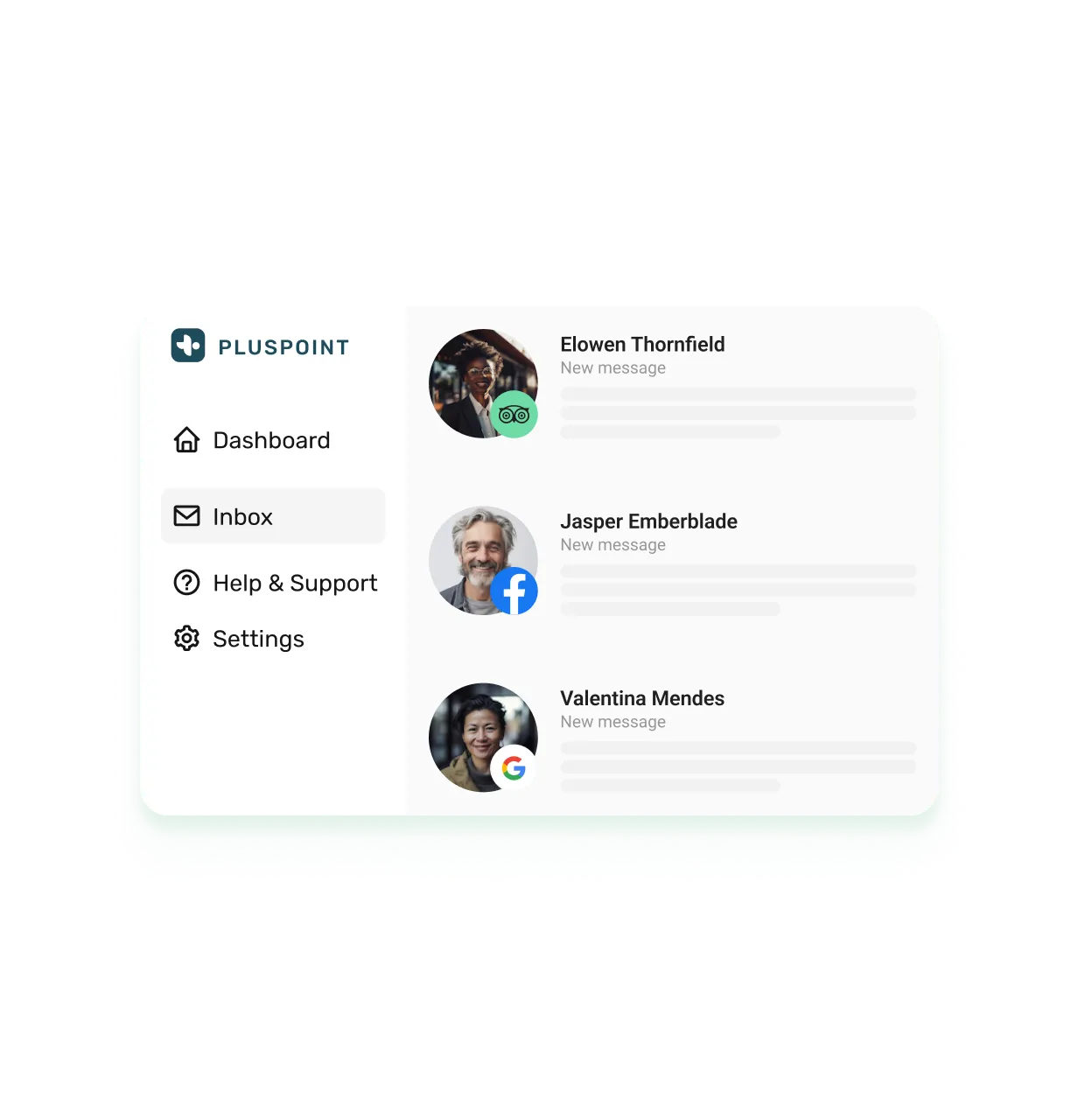
    Your WhatsApp, Instagram, Messenger, SMS, email and website chat land in one list for every location. Open any customer to see everything they wrote before, so they never have to repeat themselves.

    Inbox
    All6Elm Street3Oak Avenue3
    1. Jake P.Elm Street What time do you open tomorrow?
    2. Rachel M.Elm Street Do you still do the oat latte?
    3. DK Dana K.Oak Avenue Running ten minutes late for our 1 pm table
    4. Miguel A.Oak Avenue Do you have high chairs?
    5. Emma L.Elm Street Do you sell gift cards?
    6. OS Omar S.Oak Avenue Could you send the invoice for Thursday’s event?

    Rachel M.Elm Street regular

    History

    1. Do you still do the oat latte?
    2. Table for two on Friday
    3. Asked about the brunch menu
  2. Let AI answer the routine questions, whether your team is busy or off

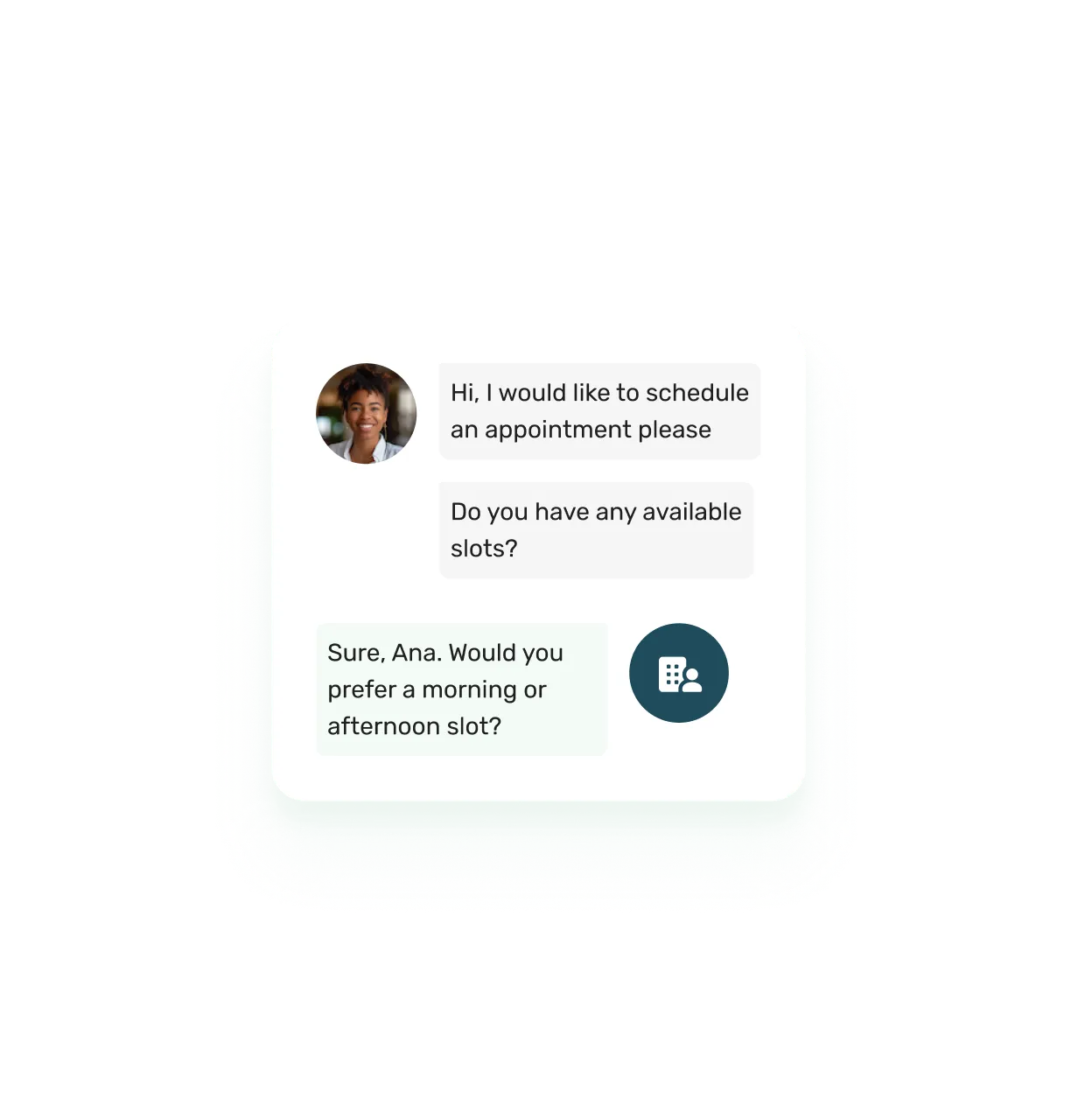
    It replies in seconds, in your customer’s language, from each location’s hours and address and the answers you wrote. You step in only when a question needs a person.

    Lunch rush at Elm Street · 14 open conversations

    Jake P.12:40 PM

    What time do you open tomorrow?

    Elm Street opens at 8 AM tomorrow and closes at 11 PM.

    ✦

    ✦AI agent · from the Elm Street hours

    I’m proposing at dinner on Friday. Can someone help me plan it?

    Congratulations in advance. Someone from our team is on it and will reply here within the hour.

    ✦
  3. Spot the slow replies that cost you customers and revenue

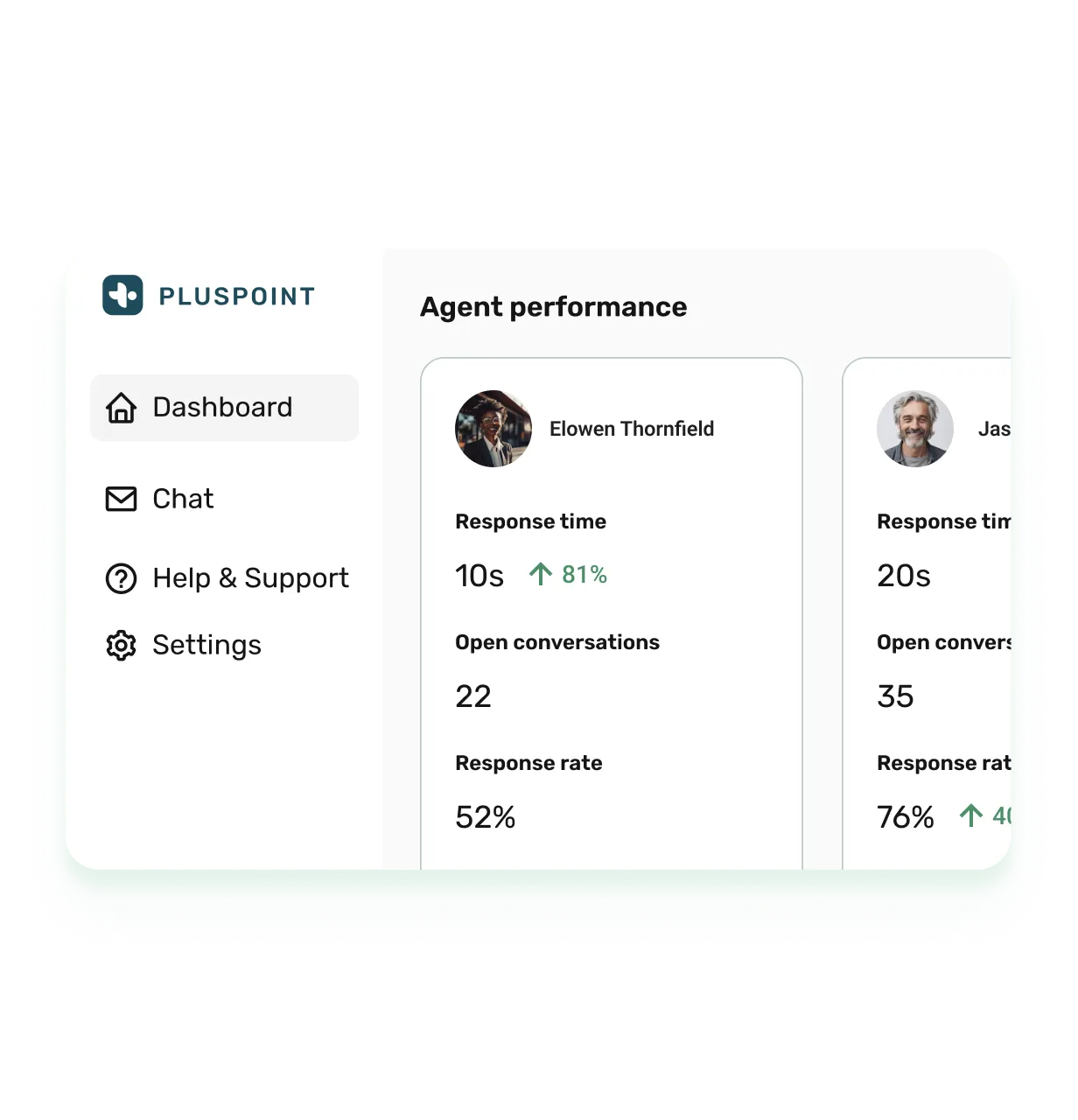
    See how fast each person on your team answers, the AI included, and how that compares with last month. When customers wait too long on one channel, you’ll know and can fix it this week.

    Conversation analytics

    See the numbers
    ConversationsLast 30 days
    Response time0.4 h38% faster
    Resolution rate92%6 points up
    WhatsApp 48%Instagram 31%Website chat 21%
    Assigned toAvg. timeRate
    ✦AI agent 0.0 h100%
    Sara P. 0.1 h96%
    Marco B. 0.3 h94%
    Priya N. 1.4 h89%
  4. Follow up on survey answers and complaints from the inbox

    A customer leaves two stars and a complaint in your survey. Open a conversation from that response in one click and make it right while they still remember the visit.

    Follow-ups

    Follow up

    Survey responseOak Avenue · Yesterday

    DKDana K.

    What could we do better?

    Our mains took 40 minutes on Friday.

    New conversation

    Today

    Hi Dana, sorry about Friday. Could our manager call you today to put it right?

    Sara P. · SMS · 9:12 AM
    DK

    Yes, after 5 works. Thanks for asking.

    9:20 AM
  5. Send a coupon or a survey from the chat you’re in, generate more sales and reviews

    Your coupons and surveys sit in the reply box. Thank a regular with a discount for the next visit. After any visit, send a short survey that asks how it went and invites a review.

    Coupons and surveys

    Send a coupon
    Emma L.Instagram · 10:12 AM

    Loved the risotto last night.

    Thank you, Emma. Here’s something for your next visit.

    10% off your next visitCoupon · valid 30 days

    ✓Redeemed at Oak Avenue

    Saved repliesCouponsSurveys

    Send

Watch your inbox answer a real customer in 15 minutes

  1. Step 1

    Pick a time that suits you

    Fifteen minutes, and nothing to prepare.

  2. Step 2

    Connect one of your real channels

    Answer a real customer message from that channel with us, right on the call.

  3. Step 3

    Leave with a plan for every location

    You’ll know which channels each location answers, what the AI covers and who on your team picks up the rest.

The inbox is one part of Pluspoint. Ask us about listings, reviews, social posting and surveys on the same call. Or book via the contact form.

In addition to the inbox, get listings, reviews, social posting and campaigns in one plan

1
Attract Be found and chosen locally

Show up first when locals, and AI search, look for what you offer.

2
Convert Turn local interest into paying customers

Answer fast, capture every lead, and turn visits into bookings.

3
Retain Keep customers coming back

Protect your reputation and drive repeat business on autopilot.

Marketing MCP New Let Claude or ChatGPT handle your marketing for every location

Customer communication software for multi-location teams, questions and answers

1. What is an omnichannel inbox, and how is it different from a shared mailbox?
An omnichannel inbox is one screen for every conversation your business has, whichever app your customer wrote from: WhatsApp, Instagram, Messenger, SMS, email or website chat, each thread with its history. A shared mailbox is one email address several people can open. Pluspoint adds your locations: every conversation belongs to the team that runs that address.
2. Can each location have its own WhatsApp number and Instagram account in one inbox?
Yes. Connect one WhatsApp Business number, Instagram account or SMS number per location, or share one across the whole brand. You can mix the two, so every location keeps its own WhatsApp while one Instagram account speaks for the franchise, and every thread still lands in the same list.
3. How do you keep corporate control and still let each location answer its own customers?
Give each team the locations or brands it runs. A manager in one city then sees that city’s conversations and nothing else, while you, as an account owner, read every conversation in the company. Move a thread to another team and your note travels with it.
4. Does the inbox include an AI chatbot?
Yes. The AI chatbot answers new conversations on the channels you choose, day and night, from each location’s address and opening hours and the answers your team wrote. When a channel serves the whole brand, it first works out which location the customer means. It never guesses hours. The help center walks you through setup.
5. What can the AI chatbot not do, and what does it cost to run?
It answers questions; it does not make bookings, cancel orders or change accounts. It passes a thread to your team only when the customer asks for a person or says yes to its offer of one. Every account includes fifty AI conversations a month; after that, each conversation spends one AI credit. Switch it off, or run out, and new threads arrive for your team as before.
6. Which channels can I answer from one inbox?
You can answer WhatsApp Business, Facebook Messenger, Instagram direct messages and story mentions, SMS, email, and the Pluspoint live chat widget on your site. Facebook and Instagram let you reply but never start a thread, and that is Meta’s rule for every tool. There is no voice channel: calls stay on your phone system.
7. Do you charge per user, per location, or per message?
Per location. The inbox is part of the single Pluspoint plan at $29 per location per month, with 3 users included for your whole account and no charge per conversation. Extra users cost $19 each. Billing starts at 3 locations, so your smallest subscription is $87 a month. Start the 14-day free trial without a credit card, or estimate your price on the pricing page.
8. Are AI credits included, and can I buy more?
Yes. Your plan includes a monthly allowance of AI credits, and the AI chatbot spends one credit per conversation it answers, never per message. The allowance resets on your renewal date. Buy more as an add-on at $0.49 a credit; bought credits never expire, and auto-pay can top up your balance when it drops below a limit you set. Details in billing and plans.
9. Can head office see who replies and how fast?
Yes. Conversation analytics show you response time, resolution time and resolution rate against the period before, by channel. A table lists everyone who handled conversations, the AI chatbot included, and you can export it to CSV or XLSX.
10. Why do WhatsApp conversations close after a day?
Meta closes the customer service window 24 hours after the customer’s last message. After that, you can reopen the thread only with a template Meta approved, so your approved templates sit in the reply box next to your saved replies. You can write freely again as soon as the customer answers. The WhatsApp guide walks you through it.
11. Can I put live chat on my own website?
Yes. Paste one snippet into your site and the widget appears in your brand’s colors and logo, with a greeting you write. Link it to a brand and visitors pick the location they are asking about, so the chat lands with the right team and the AI chatbot answers for that location. Steps are in the help center.
12. Can I ask for a review at the end of a conversation?
Yes. Send a survey from the reply box that asks every customer how the visit went and invites them to leave a review, or add the same request to the AI chatbot’s instructions. See templates and variables.
13. Who is this inbox not for?
A call center: there is no voice channel. A support desk that runs on tickets, service-level timers and a customer portal: Pluspoint is a conversation inbox for locations. A single location that wants a free plan: billing starts at three locations. If that is you, a tool built for that job will serve you better.

Keep reading

Woman speaking to robot figure in order to represent customer talking to AI chatbot

Are AI Chatbots the Key to Scaling Customer Support Across Multiple Locations?

In this article, we’ll explore how AI chatbots can help businesses scale their customer service efforts, enhance the customer experience, and streamline operations.

Sergio Shanin March 12, 2025
Read article →
Message balloons and emoji on a background that represents technology.

Managing Messaging Platforms for Better Customer Communication

This constant connectivity presents a challenge, particularly for businesses with multiple locations. By consolidating all your messaging into one place, you can save time, boost customer satisfaction, and improve your overall communication strategy.

Sergio Shanin March 3, 2025
Read article →
Small business owner standing at shop entrance smiling confidently, representing modern customer communication.

The End of One-Way Messaging: How WhatsApp Is Changing Brand Communication

For years, brands have relied on one-way tools like email and SMS but consumers have moved on. Messaging apps like WhatsApp are redefining customer communication, making conversations personal, instant, and effective. The future is two-way — and it’s already here.

Sergio Shanin October 14, 2025
Read article →
Woman typing on her phone standing beside the representation of an inbox.

The Ultimate Guide to Customer Service for Multilocation Businesses

In this guide, we’ll look at how multilocation businesses can enhance customer service across each site by using tools like Pluspoint’s Inbox, Reviews, Analytics, and Surveys features.

Sergio Shanin October 30, 2024
Read article →
Man speaks to robot in phone in order to represent customer interacting with AI chatbot

From Inquiry to Conversion: How Chatbots Are Improving the Customer Journey

In this article, we’ll explore how chatbots are revolutionizing the customer journey and how businesses can leverage them to drive engagement, build trust, and ultimately convert inquiries into loyal customers.

Sergio Shanin March 24, 2025
Read article →
Cellphone showing customer feedback requests, reflecting proactive engagement for improving services.

Decoding Consumer Behavior: How Consumers React to Review Requests

In today's world, if Shakespeare were to revisit his lines, he might transform his iconic "To be or not to be" into, "To review or not to review, that is the question." In our digital epoch, online reviews have become the cyber counterpart of traditional word-of-mouth recommendations.

Sergio Shanin March 6, 2023
Read article →
Book your Pluspoint demo