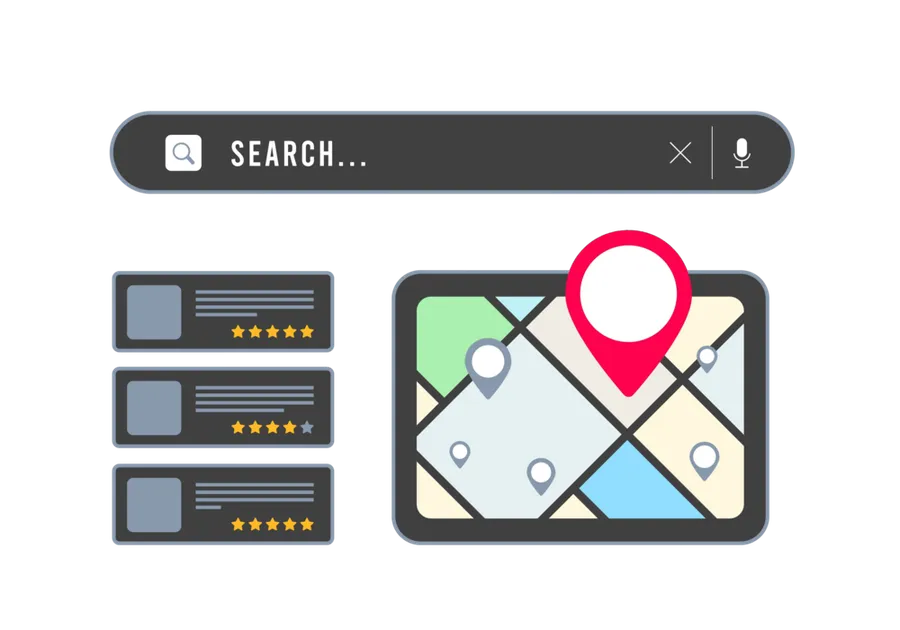
Fun Google Tricks and How They Can Benefit Your Business
Google isn’t just a search engine—it’s a powerful tool that can help multilocation businesses boost their online visibility, improve local SEO, and drive foot traffic to their locations.


Google isn’t just a search engine—it’s a powerful tool that can help multilocation businesses boost their online visibility, improve local SEO, and drive foot traffic to their stores. For business owners, marketing teams, and managers at multilocation businesses, leveraging the full potential of Google’s tools can be a game-changer.
In this blog, we’re diving into some fun and advanced Google tricks that you may not be using yet. By applying these hacks, your business can optimize its Google listings and dominate Google Maps, leading to increased visibility, customer engagement, and ultimately, more sales.
1. Claim and Optimize Your Google Business Profiles
While this might sound like a no-brainer, many multilocation businesses are missing out on a key opportunity—optimizing Google My Business (GMB) listings for each location. Here’s where the magic happens:
- Add high-quality photos: Locations with photos receive 42% more requests for directions and 35% more click-throughs to their websites. So, upload a mix of photos showcasing the interior, exterior, staff, products, and happy customers at each location.
- Accurate NAP information: Ensure your Name, Address, and Phone number (NAP) are consistent across all Google profiles and other online listings. Inconsistent information can hurt your SEO ranking.
- Use the “Attributes” feature: Google lets you add details like “Wheelchair Accessible,” “Pet-Friendly,” or “Free Wi-Fi” for businesses. These attributes improve search visibility and give potential customers the exact information they’re looking for.
An optimized profile not only improves your SEO ranking but also builds trust with customers by providing them with accurate, up-to-date, and engaging information about each location.
2. Use Google Posts for Local Engagement
Did you know you can create short posts directly on your Google My Business profile? These posts show up in search results and Google Maps when people search for your business, and they’re perfect for sharing news, promotions, and updates.
- Create posts regularly: You can create posts about sales, events, and announcements to keep your customers informed. These posts are an excellent way to keep your audience engaged and show up in local searches.
- Call-to-Action (CTA): Use strong CTAs like “Call Now,” “Shop Now,” or “Learn More” to drive action from customers directly from the Google search page.
Google Posts are a quick and easy way to engage with your customers and give them something actionable right in the search results—boosting your visibility and encouraging visits to your stores.
[

](https://www.pluspoint.io/solutions/social-posting)
3. Use Google Maps to Attract Local Traffic
Google Maps isn’t just for finding directions—it’s a powerful tool to help your business stand out in local searches. You can optimize your presence on Google Maps to guide customers straight to your doors.
- Pinpoint Your location accurately: Make sure each store location is pinpointed accurately on Google Maps. A minor mistake in the pin placement could mean customers end up at the wrong address, leading to frustration and missed business.
- Encourage reviews: The more reviews you have on your Google My Business listing, the higher your location will rank in local search results. Encourage customers to leave positive reviews by offering incentives like discounts or entering them into a giveaway.
- Enable Q&A: Google allows users to ask questions directly on your Google Business Profile. Be proactive in answering questions that are frequently asked by potential customers, such as hours of operation or availability of certain products.
The more detailed and accurate your Google Maps listing is, the easier it is for customers to find your store. This can result in more foot traffic and higher in-store sales.
4. Leverage Local Keywords in Your Listings and Website
When it comes to SEO, keywords are crucial—but are you focusing on local keywords? For multilocation businesses, using location-specific keywords can be the key to ranking higher in Google’s local search results.
- Incorporate location-specific keywords: Add location-based keywords to your GMB profile, website, blog posts, and other online content. For example, instead of just saying “car dealership,” say “car dealership in [City Name].” This will help Google recognize that your business serves specific locations.
- Use Local structured data (Schema Markup): Implementing structured data (schema markup) on your website can help Google better understand your business, locations, and services. This makes it easier for your business to show up in local searches and rich snippets.
Targeting local keywords will increase your chances of appearing in search results for customers searching for products or services near them, driving more organic traffic to your locations.
5. Google’s “Nearby Businesses” Feature
Google Maps is always looking to connect users to the most relevant businesses nearby. The “Nearby” feature can significantly boost your business’s visibility, especially if you’re near popular landmarks or other businesses with heavy foot traffic.
- Optimize for “Near Me” Searches: Many customers search for businesses with the phrase “near me.” Make sure to optimize your GMB profiles with the right keywords that align with this search trend, like “best restaurant near me” or “auto repair near me.”
- Use Google Ads to target local customers: Google Ads allows you to specifically target users searching for products or services in your area. By targeting local keywords, you can ensure your business shows up at the top of Google Search and Maps results.
With “Nearby Businesses,” you can capture the attention of customers who are close by, increasing the chances they’ll choose your business when they’re ready to make a purchase.
[
](https://www.pluspoint.io/solutions/campaigns)
6. Pluspoint Listings and Review Management Features
One of the best ways to streamline your efforts on Google My Business and Google Maps is by using Pluspoint’s Listings and Reviews Features. With Pluspoint, you can easily manage multiple location listings from a single dashboard, ensuring consistency across all profiles. Pluspoint also helps you track and respond to reviews in real-time, which is key for maintaining a positive reputation online.
- Centralized management: Pluspoint allows you to manage all your business locations from a centralized platform, saving you time and reducing the risk of errors.
- Review monitoring: Stay on top of customer feedback and engage with reviews quickly. Responding to reviews not only boosts your reputation but also improves your local SEO ranking.
- Performance analytics: Get insights into how your listings are performing and where improvements can be made to increase visibility.
With Pluspoint, you’re equipped with all the tools to efficiently manage your listings and reviews, allowing you to focus more on growing your business while improving your local SEO and customer engagement.
Google is more than just a search engine—it’s an invaluable resource for multilocation businesses looking to improve their SEO and visibility. By applying these fun yet powerful Google tricks, you can enhance your Google My Business listings, make the most of Google Maps, and ultimately attract more local customers.
Ready to take your business to the next level with these advanced Google hacks? Start optimizing your Google presence today, and with the help of Pluspoint’s Listings and Review Management feature, watch your SEO and local traffic soar!